Main Menu
I. Main Menu (November 18 - 23, 2024)
This is where the players will be first brought to which they can either start the game, exit the game, or click on the how to play panel.
- I created the design for the main menu scene by adding the “Start”, “Exit”, and “How to Play” Buttons. - Script for the “Start”, “Exit”, and “How to Play” Buttons.
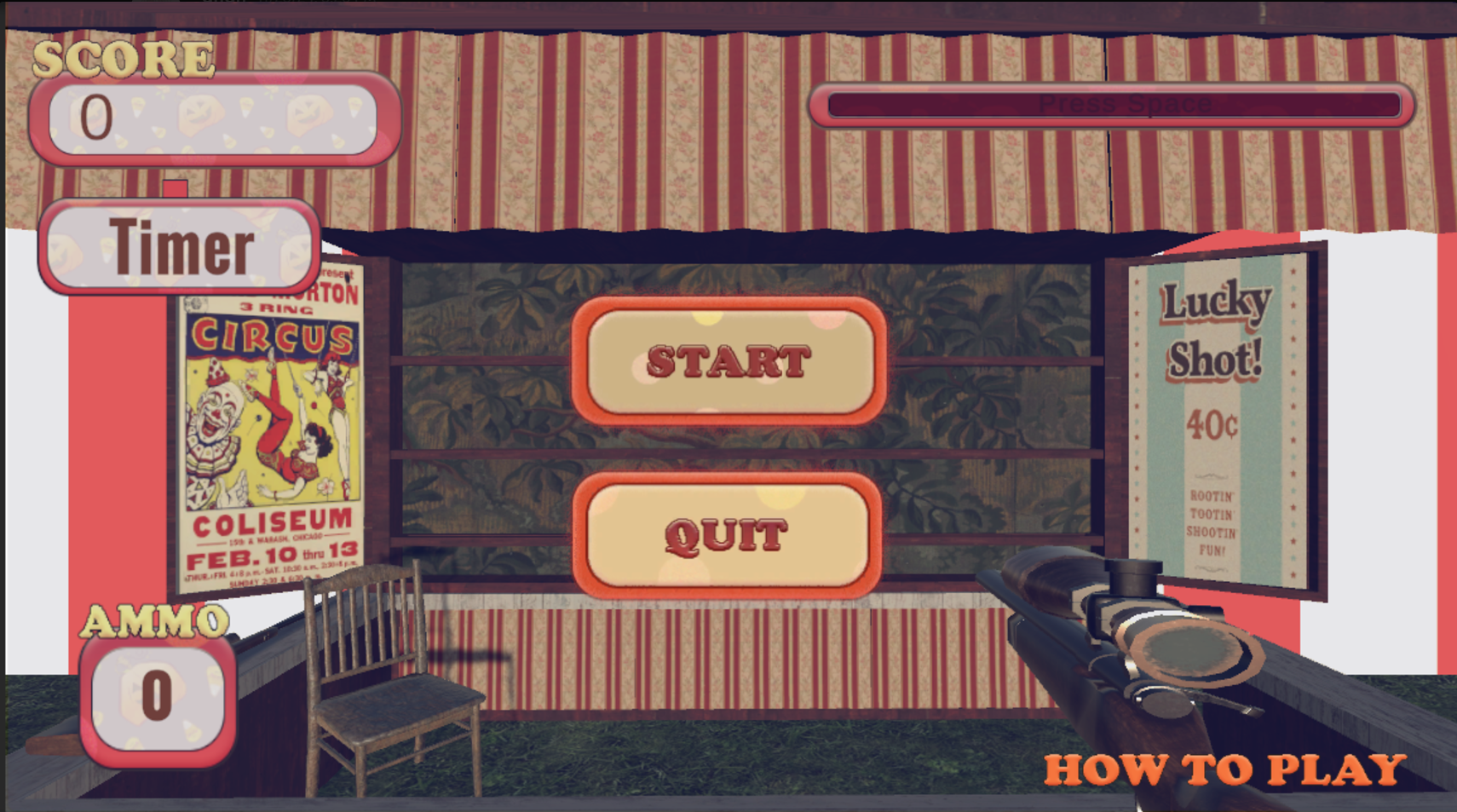
This is the first prototype of the main menu
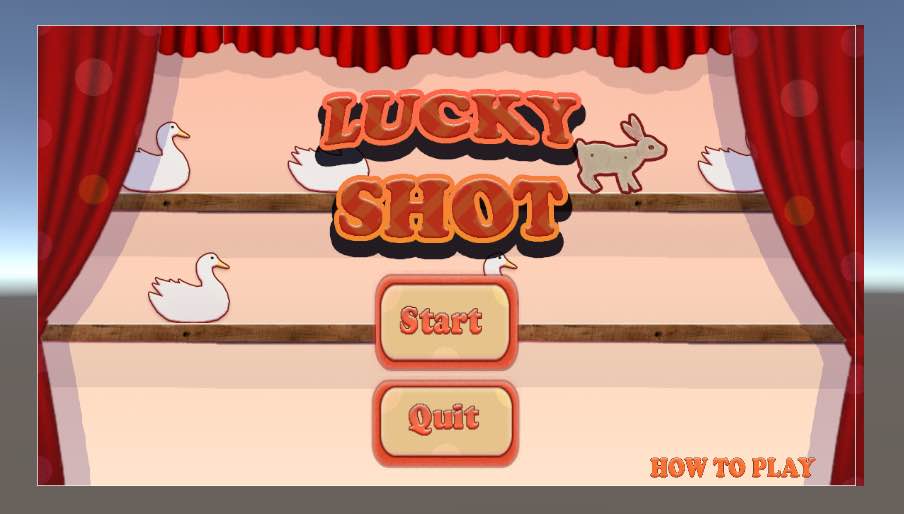
This is the final main menu (redesigned by Ericca)
- I had a slight problem with merging my file with the main branch in Github due to conflicts. This was solved by creating a new branch (Ken2). - In unity, I created a build which would allow my Main Menu Scene to Link with the Main Game Scene when pressing the start button.
Tested the Start and Exit Buttons and if the build is working correctly.
II. How to Play Panel/Instruction Panel (November 23 - 27, 2024)
This is where the instruction for the game is located.
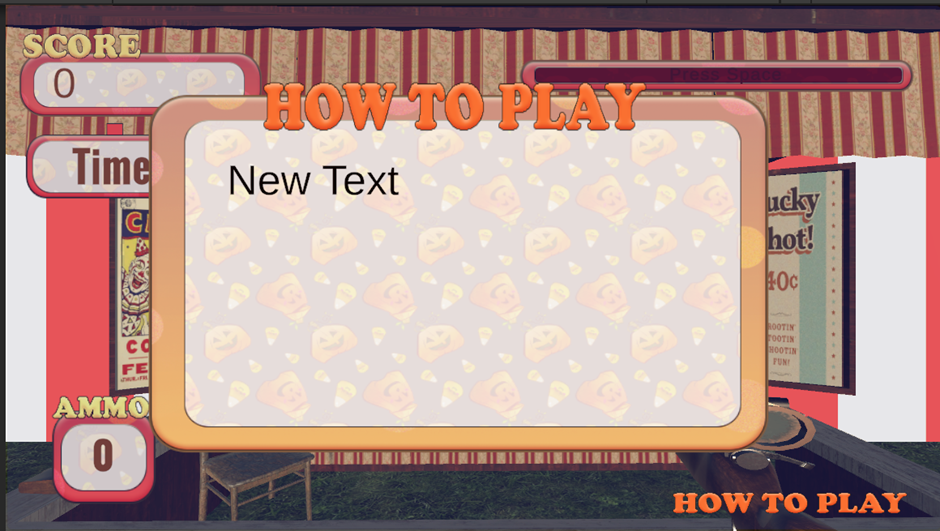
This is the first prototype of the How to Play Panel
- I wanted to Include the following information:
- Points: The points you’ll get based on the target you shot. For example, if you shoot the rabbit, you’ll get five points and if you shoot the duck, you’ll only get 1 point.
- Time Limit: Shoot all the target before the time runs out.
- Reload Function: When the ammo reaches 0, continuously press space to reload
- How many levels we have: We have 5 levels.
- Objectives: In order to proceed to the next level, you must beat the score shown.
- Additionally, I added two buttons in the instruction panel:
- Quit: This will bring you back to the main menu
- Next Button (Arrow): This will let the players go to the next set of instructions.
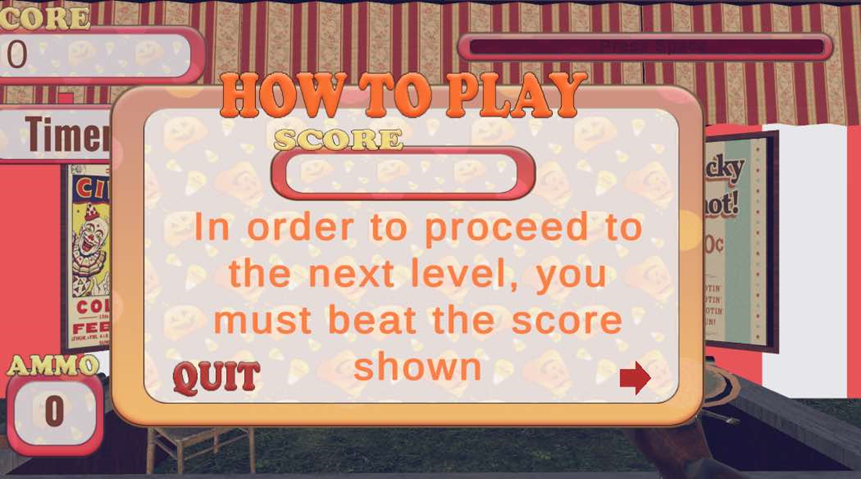
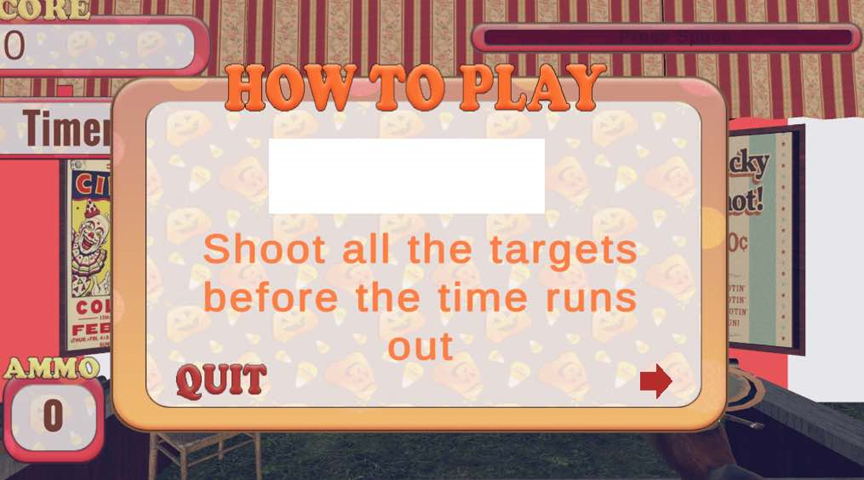
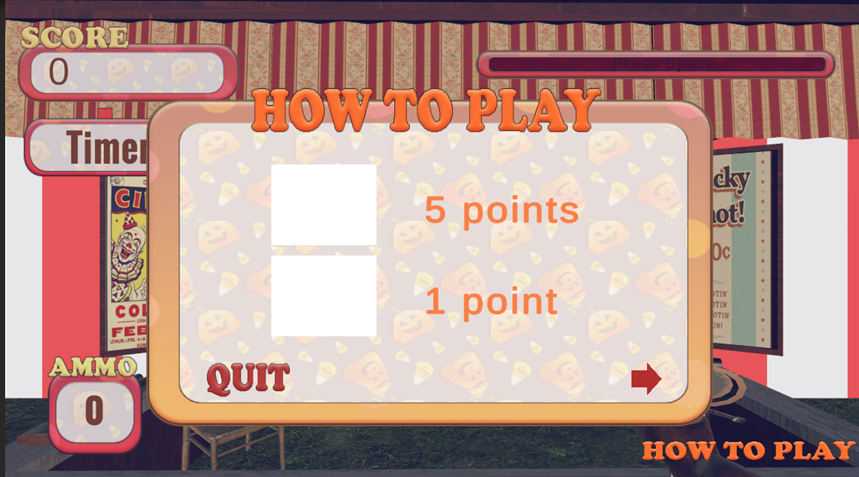
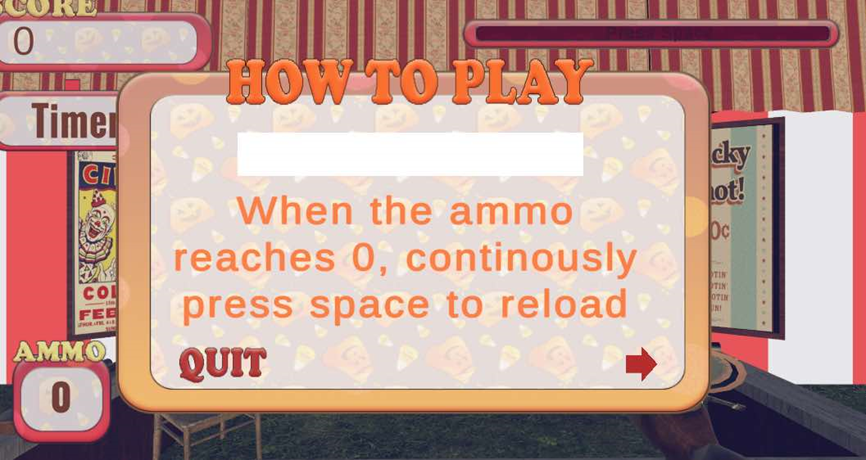
These are the first set of instructions I wanted to add
- However, In the end after reviewing the instructions I decided to simplify it:
- Points: The points you’ll get based on the target you shot and the movement of the targets.
- Reload Function: When the ammo reaches 0, continuously press space to reload
- Objectives: In order to proceed to the next level, you must beat the score shown.
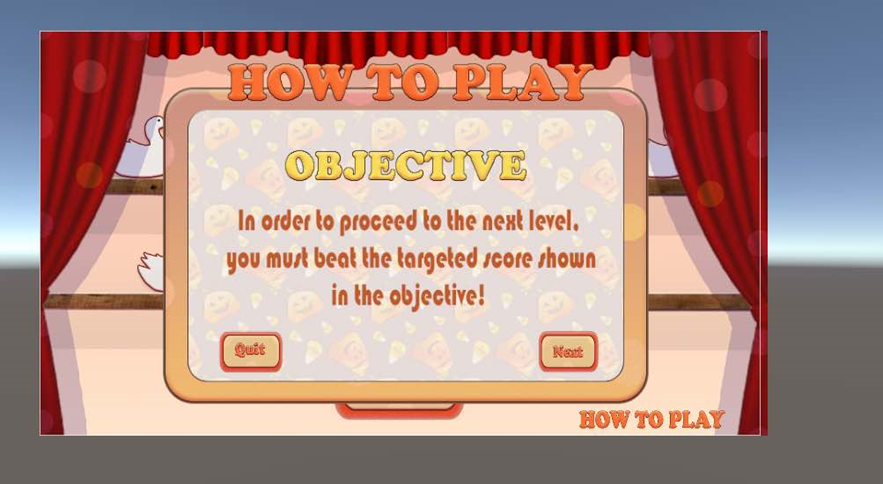
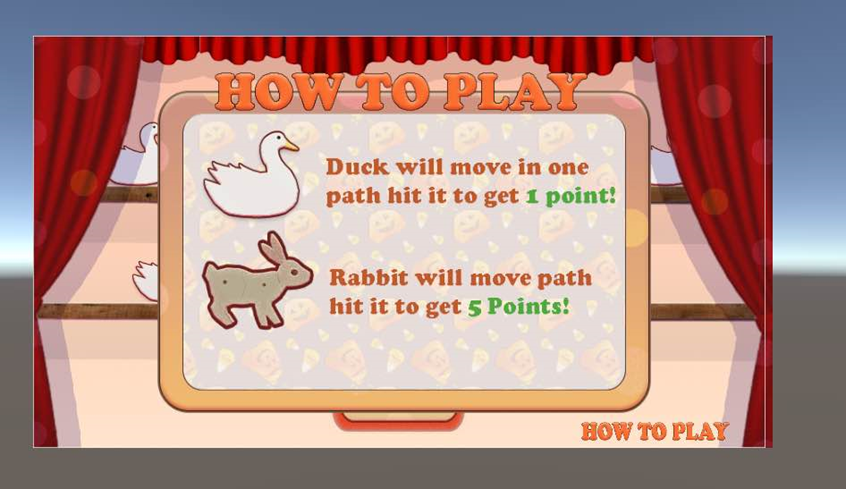
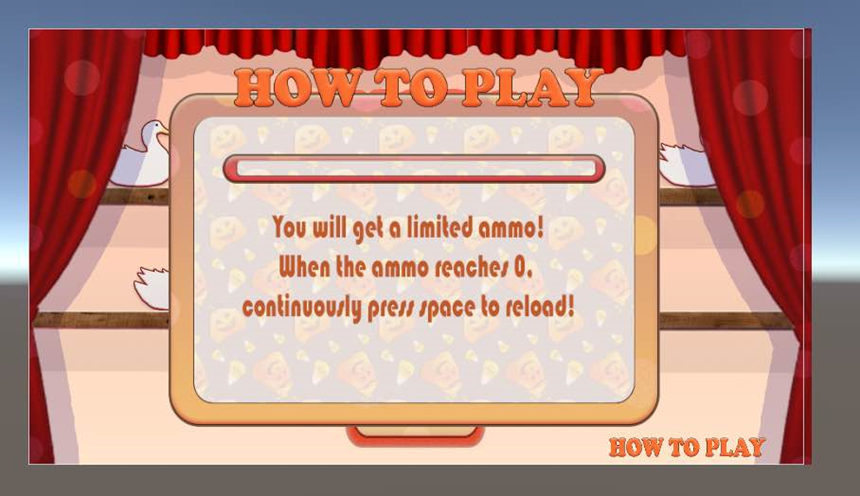
These are the Final set of instructions
- Created the script which allows the player to move to the next instruction when pressing the “next or arrow” button or go back to the main menu when pressing the “Quit” button.
- Testing the How to play button and the buttons (Quit and Next) inside the Instruction Panel
- Added the Bad Target Instructions, this tells the player that you should not hit this target or else you’ll get 2 points deductions.
Testing the if the build works with the new added Bad Target Instruction
- Kenbe Yeung
Leave a comment
Log in with itch.io to leave a comment.